Contour Fill
Description
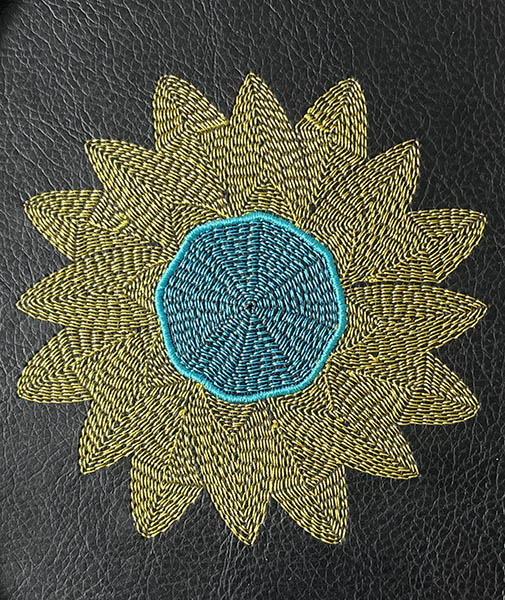
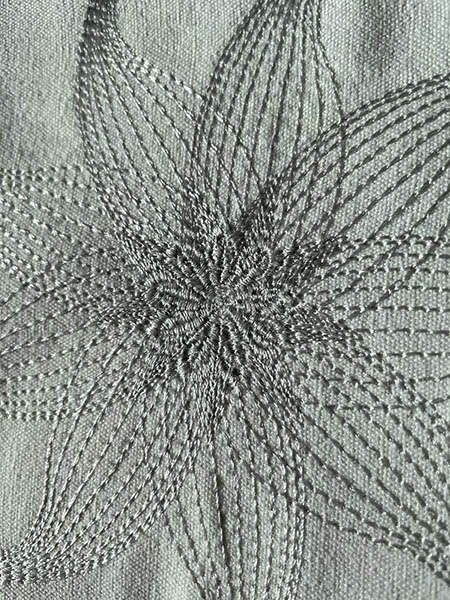
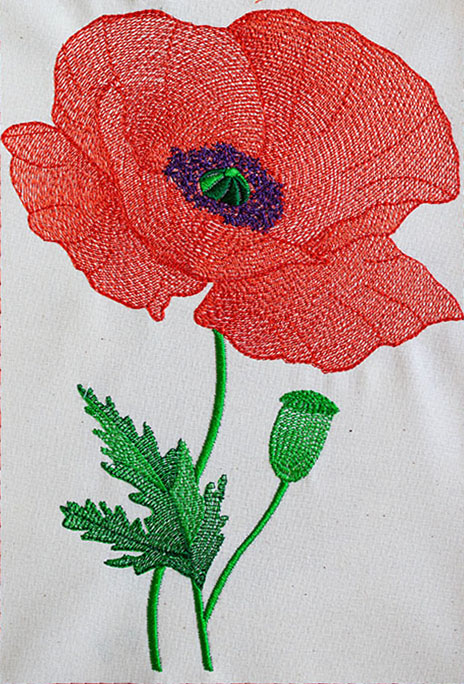
Contour fill covers areas with stitches following the contour of an object.
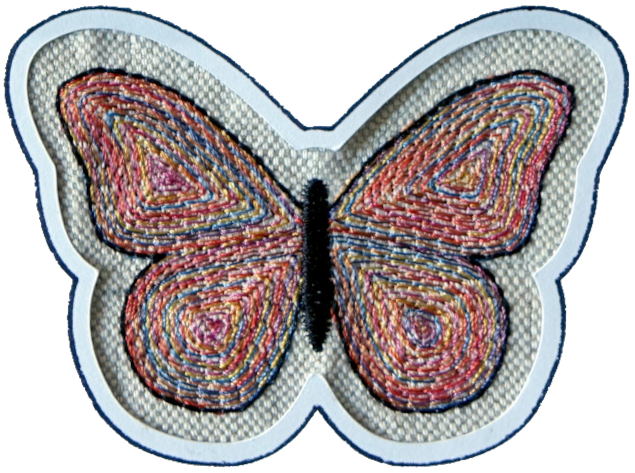
Creation
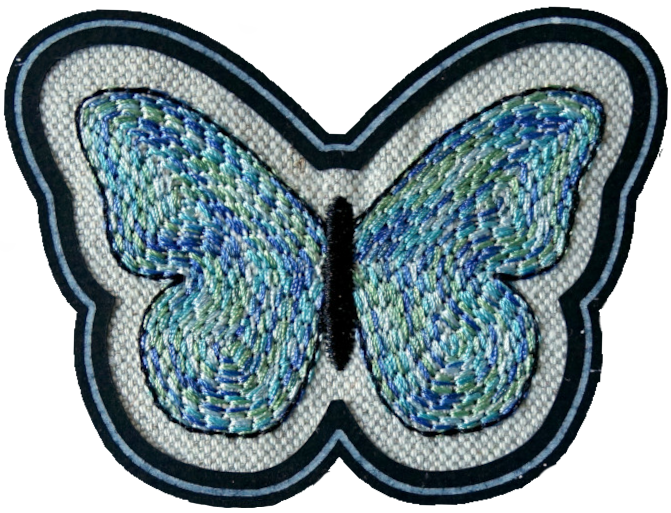
Create a closed path with a fill color.
Set Start and End Point
Only start point can be set with Visual commands. End point command is not effective with contour fill.
Parameters
Run Extensions > Ink/Stitch > Params. Set fill method to Contour Fill and tweak the settings to your needs.
Fill stitching
Enables or disables fill stitches for the selected object(s)
Fill method
Select Contour Fill
Running stitch tolerance
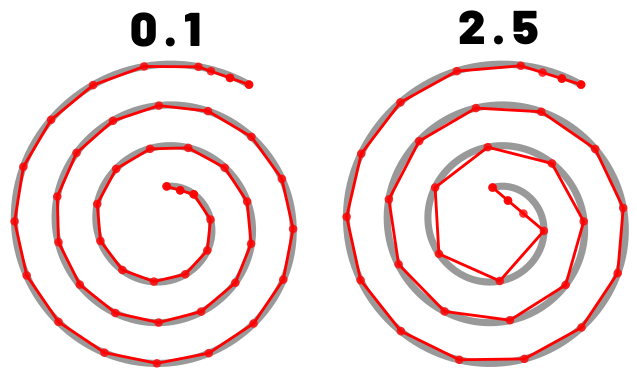
Determines the acceptable distance from the path. A lower tolerance will bring the stitches closer together. A higher tolerance allows for stitches to be farther away from the path. A higher tolerance may mean sharp corners may be rounded.
Maximum fill stitch length
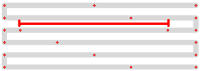
The length of each stitch in a row. “Max” is because a shorter stitch may be used at the start or end of a row.
Minimum stitch length
Stitches smaller than this value will be removed.
Overwrites the global minimum stitch length setting.
Contour Fill Strategy
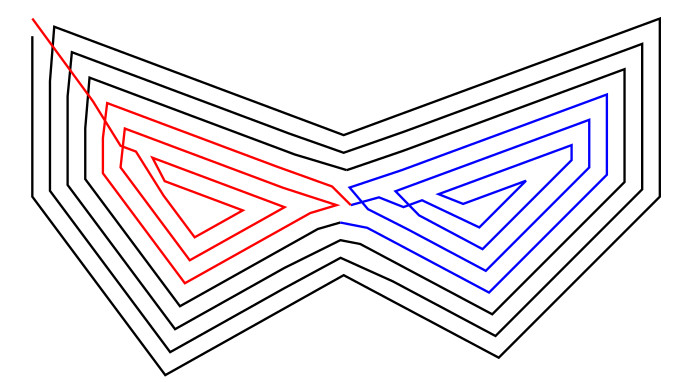
Inner to outer (default) is able to fill shapes with bottlenecks
Single spiral fills a shape with a single spiral from the outside to the inside
Double spiral fills a shape with a double spiral, starts and ends at the outside border of the shape.
Join Style
Method to handle the edges when the size the contour is reduced for the inner spirals (Round, Mitered, Beveled)
Avoid self-crossing
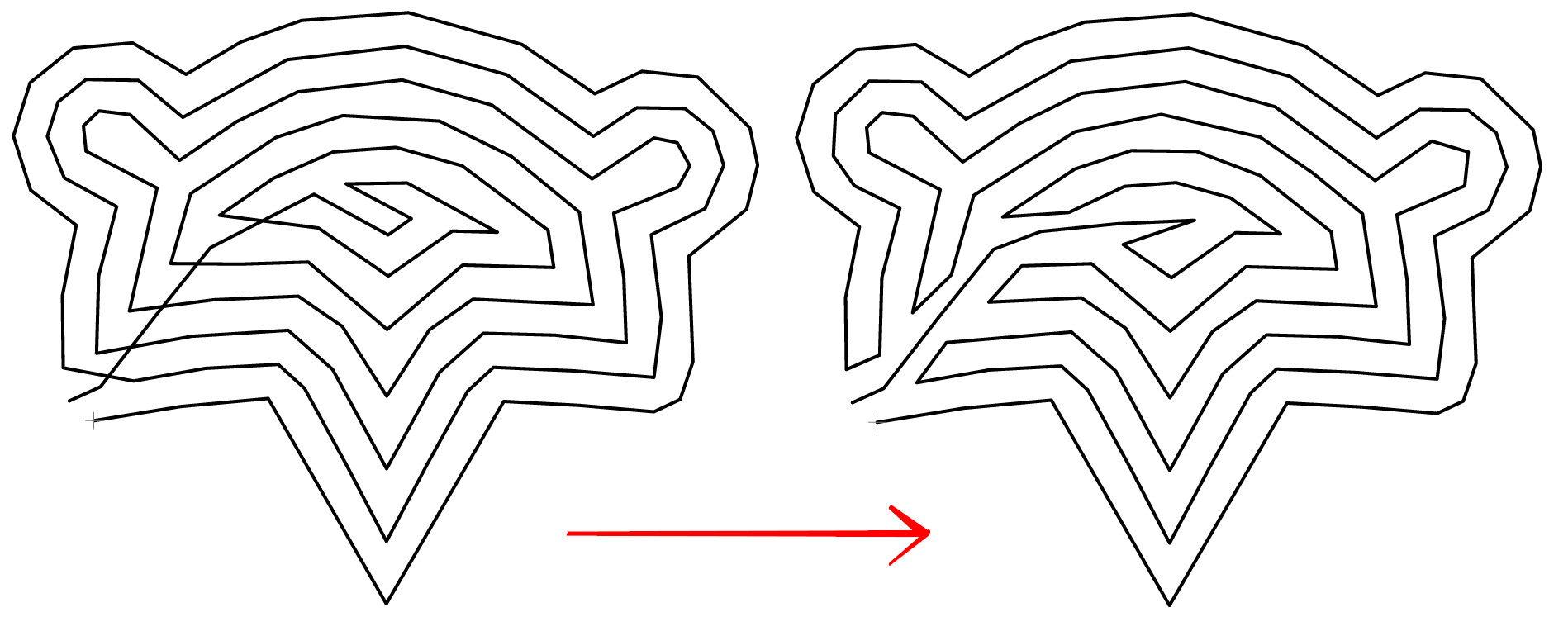
Wheter inner to outer is allowed to cross itself or not
Clockwise
Direction to move around the contour
Smoothness
Smooth the stitch path.
Smoothness limits how far the smoothed stitch path is allowed to deviate from the original path. Try low numbers like 0.2.
Hint: a lower running stitch tolerance may be needed too.
Expand
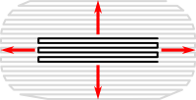
Expand the shape before fill stitching, to compensate for gaps between shapes.
Spacing between rows

Distance between rows of stitches
Random seed
Change the result of random stitches.
If empty, the seed is the element ID.
Re-roll if you are not happy with the result.
Minimum jump stitch length
Shorter distances to the next object will have no lock stitches.
Overwrites the global minimum jump stitch length setting.
Allow lock stitches
Enables lock stitches in only desired positions
Force lock stitches
If checked, lock stitches are sewn after this element,regardless of the minimum jump stitch length value.
Tack stitch
Determines the type of tack stitch.
Tack stitches are small stitches at the beginning of a stitch. They help to secure the beginning of the thread.
Read more
Lock stitch
Determines the type of lock stitch.
Lock stitches are small stitches at the end of stitch. They help to secure the end of the thread.
Read more
Scale tack stitch / Scale lock stitch
Some lock stitches have a scaling option in either mm or percent.
Custom path
This setting is only available for custom lock stitches.
Enter a custom mm or svg path.
The first node of an svg path will not be emboirdered, but represents the first (tack) or last (lock) stitch of the element.
Read more
Trim After
Determines if the thread is trimmed after sewing this object.
Stop After
Determines if the machine is stopped after sewing this object. Before stopping it will jump to the stop position (frame out) if defined.
Underlay
Underlay in Countour Fill doesn’t follow the contour, but uses the fill angle which can be defined in the fill underlay params.