Running Stitch / Bean Stitch
Description
Running stitch produces a series of small stitches following a line or curve. A simple repetition is most of the time too thin, so that the running stitch is usually executed as a bean stitch instead. This makes the line wider and more distinct.
Creation
Running stitch is created from a path with a stroke color.
The stitch direction is impacted by the path direction. If you want to swap the start and end points of your running stitch, use Path > Reverse.
If an object consists of multiple paths, they will be stitched in order with a jump between each.
Bean Stitch
Enable bean stitch by entering a value for the Param-Option Bean stitch number of repeats
Parameters
Open Extensions > Ink/Stitch > Params to update the parameters.
Running stitch along paths
Must be selected to use these settings.
Method
Determines which stitch type to use.
Select Running stitch / Bean stitch
Repeats
Defines how many times to stitch along the path
- Odd number: stitches will end at the end of the path
- Even number: stitching will return to the start of the path
Bean stitch number of repeats
Determines the number of times to repeat each stitch.
- A value of
0does not repeat the stitch (normal stitch) - A value of
1repeats each stitch three times (forward, back, forward). - A value of
2repeats the stitch six times. - By entering multiple numbers, it is possible to define a custom repeat pattern. For instance
0 1will create alternating single and triple stitches (≡-≡-≡).
Running stitch length
Determines the length of stitches (mm). By entering multiple values, it is possible to define a custom stitch length pattern.
For instance 2 4 will create stitches of length alternatively 2 and 4 mm.
Running stitch tolerance
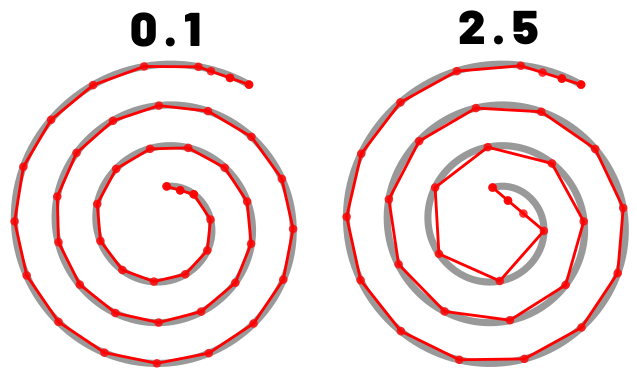
Determines the acceptable distance from the path. A lower tolerance will bring the stitches closer together. A higher tolerance allows for stitches to be farther away from the path. A higher tolerance may mean sharp corners may be rounded.
Randomize stitch length
Allows for randomize stitch length.
Random stitch length jitter
Only available if Randomize stitch length is selected. Determines the variation in the length of each stitch.
Minimum stitch length
Stitches smaller than this value will be removed.
Overwrites the global minimum stitch length setting.
Random seed
Change the result of random stitches.
If empty, the seed is the element ID.
Re-roll if you are not happy with the result.
Minimum jump stitch length
Shorter distances to the next object will have no lock stitches.
Overwrites the global minimum jump stitch length setting.
Allow lock stitches
Enables lock stitches in only desired positions
Force lock stitches
If checked, lock stitches are sewn after this element,regardless of the minimum jump stitch length value.
Tack stitch
Determines the type of tack stitch.
Tack stitches are small stitches at the beginning of a stitch. They help to secure the beginning of the thread.
Read more
Lock stitch
Determines the type of lock stitch.
Lock stitches are small stitches at the end of stitch. They help to secure the end of the thread.
Read more
Scale tack stitch / Scale lock stitch
Some lock stitches have a scaling option in either mm or percent.
Custom path
This setting is only available for custom lock stitches.
Enter a custom mm or svg path.
The first node of an svg path will not be emboirdered, but represents the first (tack) or last (lock) stitch of the element.
Read more
Trim After
Determines if the thread is trimmed after sewing this object.
Stop After
Determines if the machine is stopped after sewing this object. Before stopping it will jump to the stop position (frame out) if defined.
Routing
For better stitch routing of consecutives running stitches, try the extensions Autoroute Running Stitch and Redwork in the stroke tools.
Patterned Running Stitch
Read the tutorial how to create a patterned running stitch.
Sample Files Including Running Stitch
Applique
Applique example file
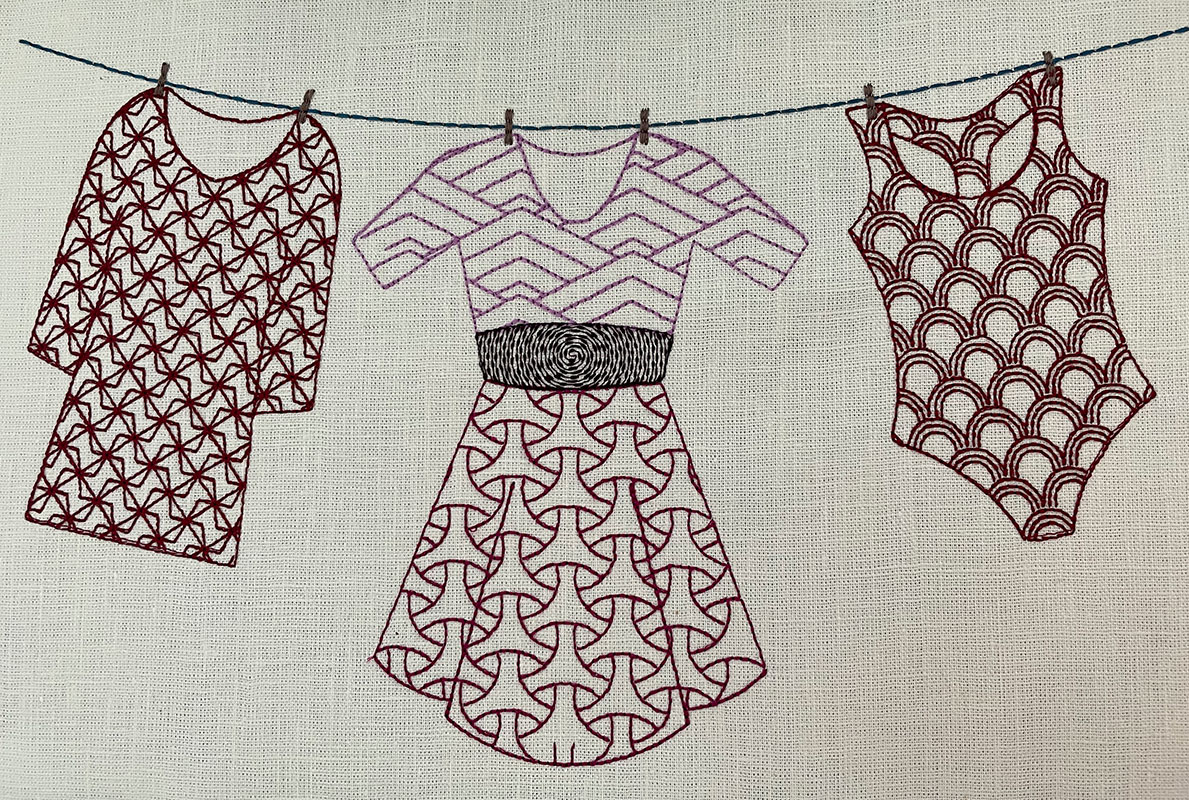
Cookie Cutter Tiling
Using Tiling LPE, clipping path and autorouting to achieve Pattern Fill
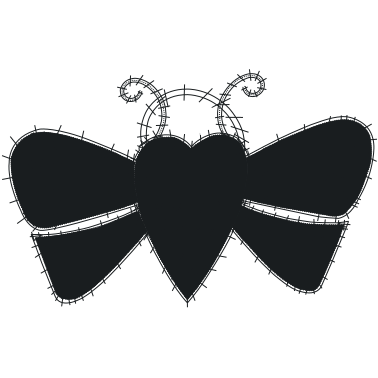
Free Standing Lace - Butterfly
Free Standing Lace - Butterfly
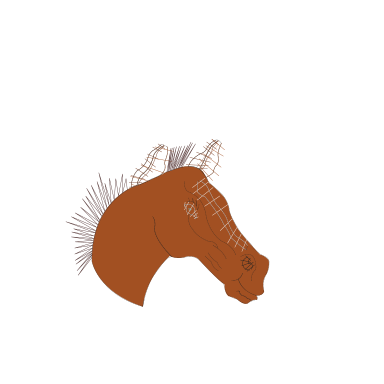
Fringe
Fringe example file
Ink/Stitch Logo & Branding Guide
Ink/Stitch logo as SVG file, digitized version and branding guide.
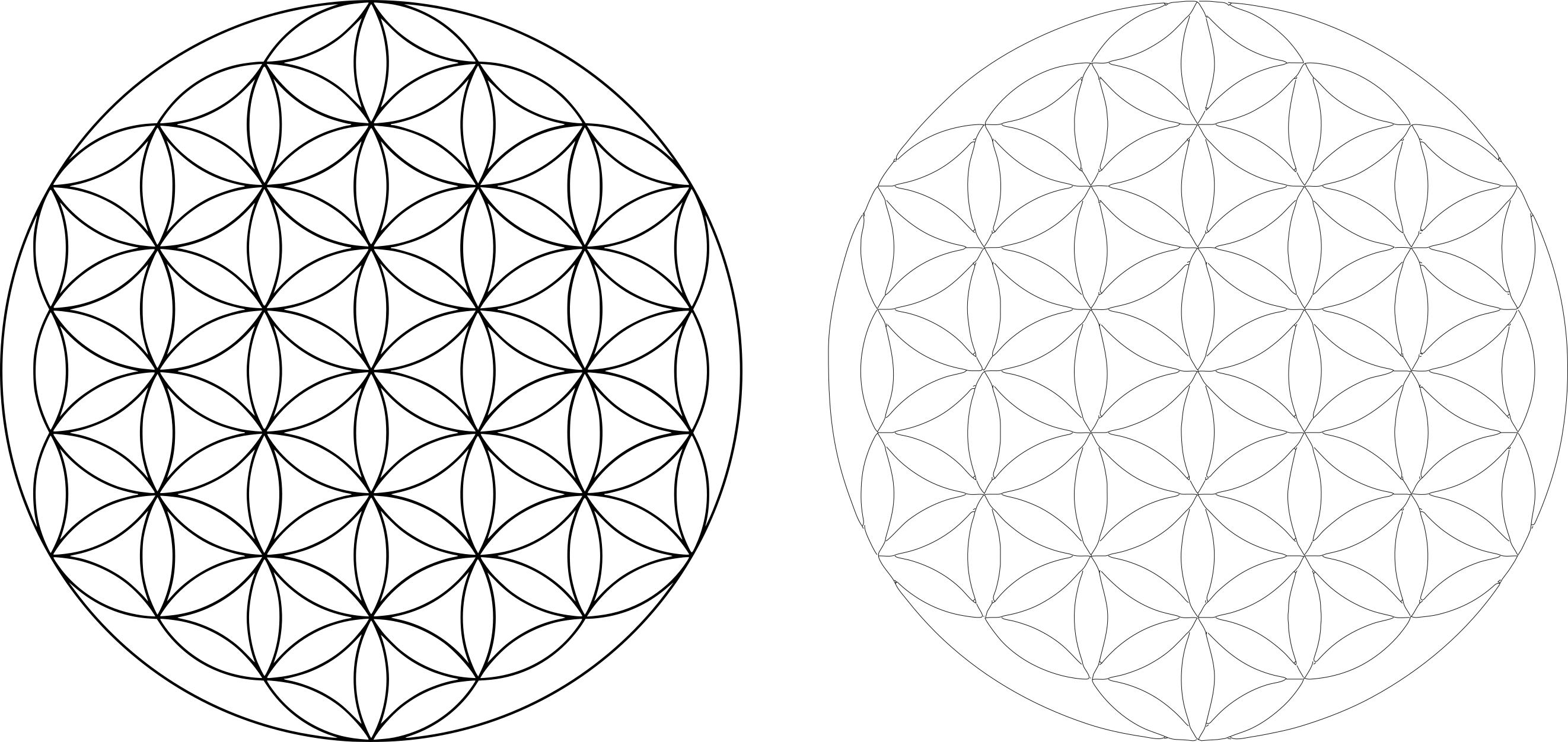
Life Flower
Auto route running stitches
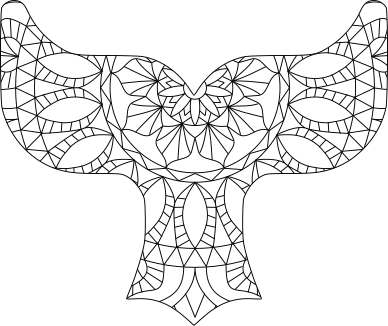
Mandala
Mandala and Embroidery
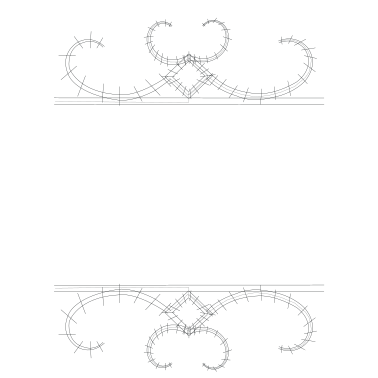
Monogram Frame
Monogram Frame Example
Patterned Running Stitch
How to create a patterned running stitch with Inkscapes live path effects

Stitching the Inkscape 1.4 Splash Screen Logo
Original design by Inkonic
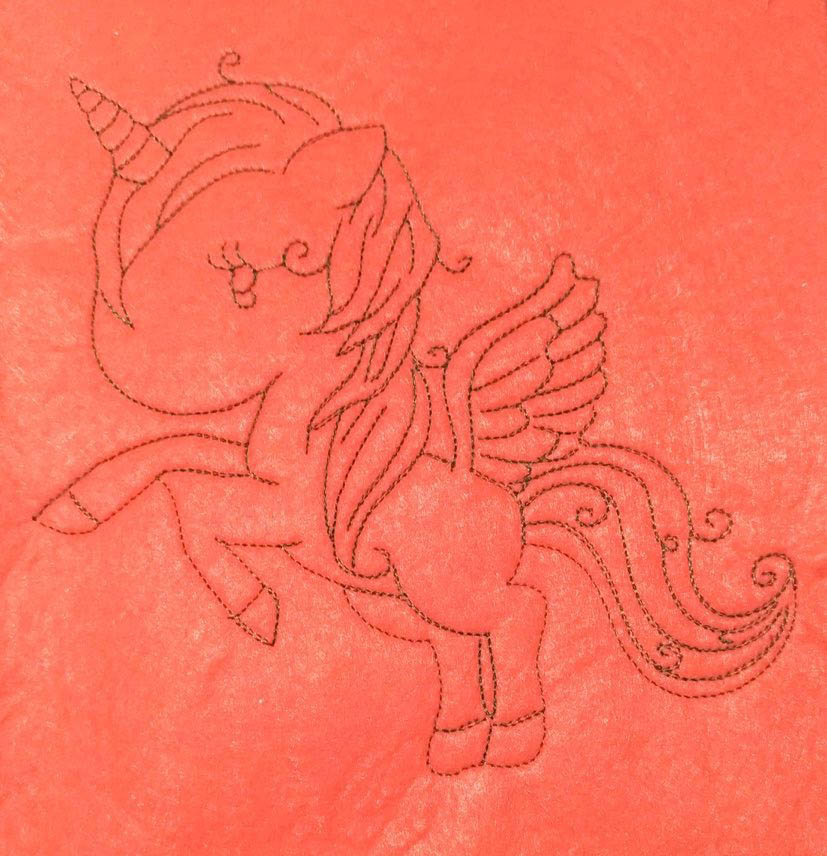
Unicorn with auto-route running stitch
Auto-route running stitch Unicorn